Toggl is built on trust. Timemoz adds the proof that gets you paid.
Toggl Track has no screenshots, and timesheet approvals only come with Premium ($16/user/month). Timemoz Core has privacy-friendly screenshots and approvals, from $4.99/user/month (billed yearly).
Try Free for 14 Days · No credit card · Cancel anytime
Source: toggl.com/track/pricing, verified 22 October 2026. Premium $16 per user per month on annual billing, $24 monthly.
Client asks what was done. You export a CSV and hope.
Auto-blur, approve, invoice with proof attached.
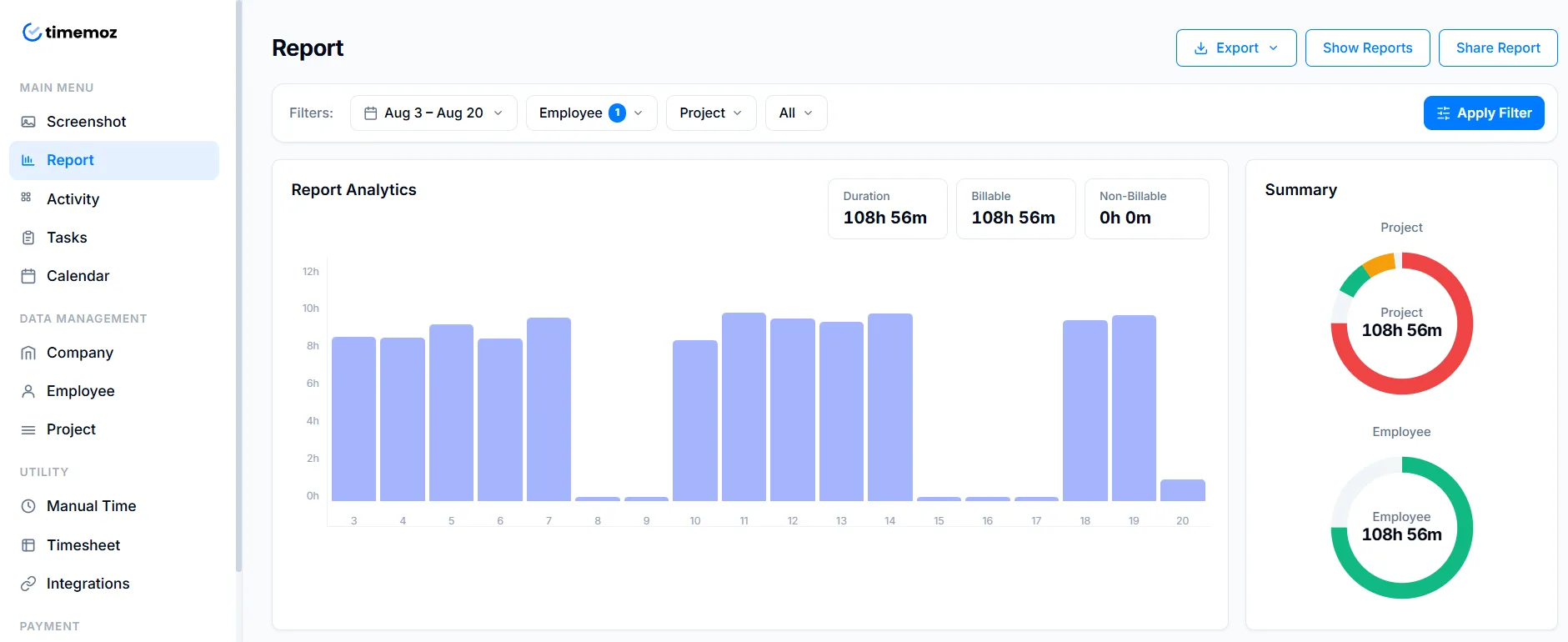
Toggl charges $16/user for features Core includes
Approvals, labor costs, and profitability all sit above the line. If you bill clients by the hour, that is the line you cross first.
$0, capped at 5 users
Time tracking, reports, calendar integrations, and a browser extension. No billable rates, no approvals, and no screenshots, ever.
$9 per user
Billable rates, project estimates, and budget alerts. Still no approval workflow, so nothing stands between a tracked hour and the invoice.
$16 per user
Approvals, labor costs, profitability, and scheduled reports. For 10 users that is $160 a month, even if only the manager needs to approve.
Monthly Premium costs more than annual
Premium is $24 per user per month billed monthly, and $16 billed annually. Put the annual total in your three-year budget.
| Team of 10 users | Toggl Premium | Timemoz Core |
|---|---|---|
| Year 1 | $1,920 | $598.80 |
| Year 2 | $1,920 | $598.80 |
| Year 3 | $1,920 | $598.80 |
| Three-year total | $5,760 | $1,796.40 |
The gap to Core is $1,321.20 a year for 10 users.
Timemoz customer, not Toggl
“At Limecommerce, many of our projects are billed hourly, so accurate time tracking and reporting matter. These insights help our project managers estimate better.”
User counts do not shrink cleanly
Toggl bills per user, annually, upfront. For an agency whose headcount follows client load, check the rules for removing users before you cut the team.
Toggl Free has a ceiling, Core does not
Toggl Free caps at five users with no proof and no approvals. Timemoz Core has no user cap, with approvals and optional screenshots.
Toggl plan prices and feature tiers read from toggl.com/track/pricing on 22 October 2026. Prices exclude VAT, and plans can change.
Trust does not settle a disputed invoice
Toggl skips screenshots on purpose, it is their philosophy. Who pays when a client asks what happened during those six hours?
No screenshots, by policy
- ✕No screenshot feature on any plan, stated openly in their help centre
- ✕No activity levels, no app or URL record to reconstruct a session
- ✕A forgotten timer leaves nothing to rebuild the day from
Great for solo consultants on retainer. Harder when a client queries a line item three weeks later.
Privacy shield, included in Core
- ✓Optional screenshots, blurred by default, captured only while the timer runs
- ✓Activity levels from mouse and keyboard frequency, no keystroke logging
- ✓App and URL tracking while the timer runs, visible to the person tracked
- ✓Team members can blur and clear their own captures
Enough evidence to defend an invoice, not enough to make good people quit.
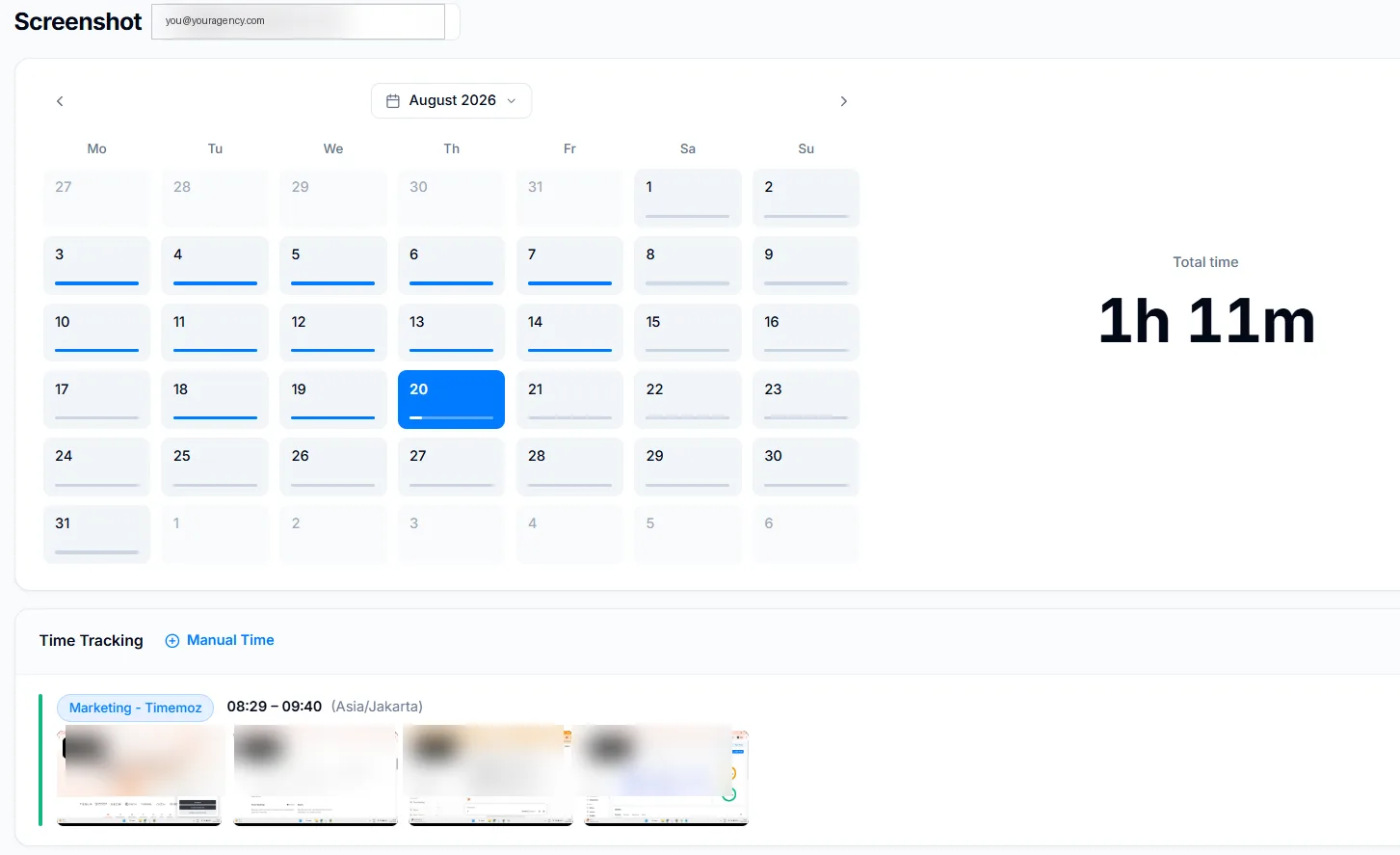
You chase timesheets. Toggl charges $16/user to stop.
This is what catches teams out. Everyone tracks happily for months, then month-end arrives and the approve button does not exist.
No approval workflow
You message people on Slack to submit. Nothing locks after submission, and payroll waits on whoever replies last.
Approvals unlocked at $16
$1,920 a year for 10 users. Approvals are a plan feature, not a role, so you pay for the whole team to give one manager a button.
Approvals from day one
Submit, review, approve or reject with comments, auto-lock after approval, and a full edit trail. Included in Core.
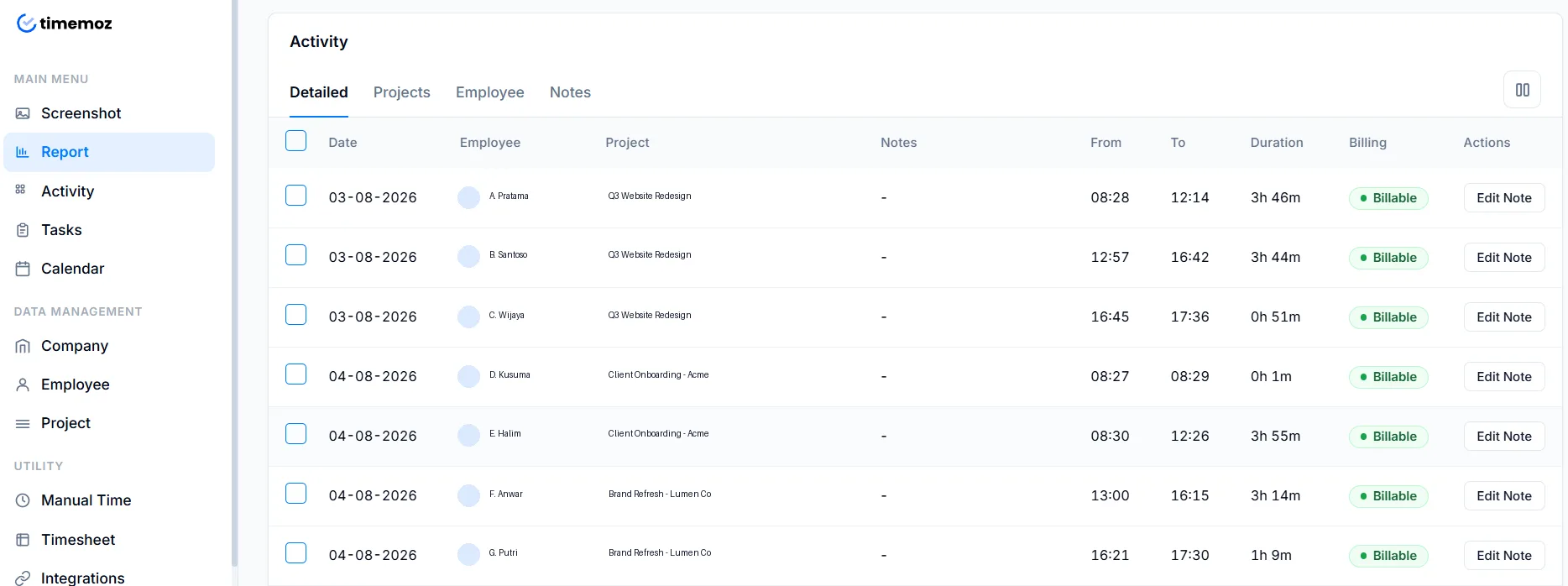
A report should produce an invoice, not more work
Toggl reporting
- ✕Export CSV, clean it in a spreadsheet, add your logo, convert to PDF
- ✕Scheduled reports require Premium, Toggl Free users repeat it manually
- ✕No proof to bundle, because there is no proof to capture
Timemoz client reports
- ✓Approved hours, activity levels, and blurred proof in one export
- ✓PDF & Excel exports for HR, finance, and head office, plus report links without login
- ✓Core $4.99: unlimited exports, PDF and branded client link, permanent history
Four things teams discover after 30 days on Toggl
Recurring themes across G2 and Capterra, not marketing copy.
Timers left running overnight
Close the laptop without stopping and you invoice fourteen hours. Toggl Free has no idle detection, while Timemoz Signature prompts you to keep or discard idle time.
Sync lag between desktop and browser
Entries appear in one place and not the other, and reviewers report slow Windows app start. When you bill in six-minute increments, that friction kills adoption.
No daily capacity view
You cannot tell whether someone has six hours left or is already overbooked. Timemoz Core sends email and Slack webhook alerts when a project passes its budget threshold.
Nothing to reconstruct from
With no screenshots, activity levels, or app records, a forgotten timer means the hours are gone. Clients dispute, and you have nothing to show.
Themes drawn from public Toggl Track reviews on G2 (1,589 reviews, 4.6/5) and Capterra, read 19 August 2026. Individual experiences vary.
Timemoz Core vs Toggl, feature by feature
Red marks a feature that needs Toggl Premium at $16 per user and is included in Core.
← scroll the table sideways →
| Feature | Timemoz Core $4.99 | Toggl Free | Toggl Premium $16 |
|---|---|---|---|
| Users | Unlimited | 5 max | Unlimited, per user |
| Unlimited projects | Yes | Yes | Yes |
| Multiple billing rates | Yes | No | Yes, from Starter |
| Timesheet approvals | Yes | No | Premium only |
| Idle detection | Signature only | No | Yes |
| Screenshots | 1920×1080 | None, ever | None, ever |
| Activity levels | Yes | No | No |
| App & URL tracking | Yes | No | No |
| Screenshot retention | Permanent | n/a | n/a |
| Data history | Permanent | Full | Full |
| Report exports | Unlimited | Manual CSV | Manual + scheduled |
| Budget alerts | Email + Slack | No | Yes |
| Integrations | Slack, ClickUp, Discord, Telegram | 100+ via extension | 100+ plus Jira, Salesforce |
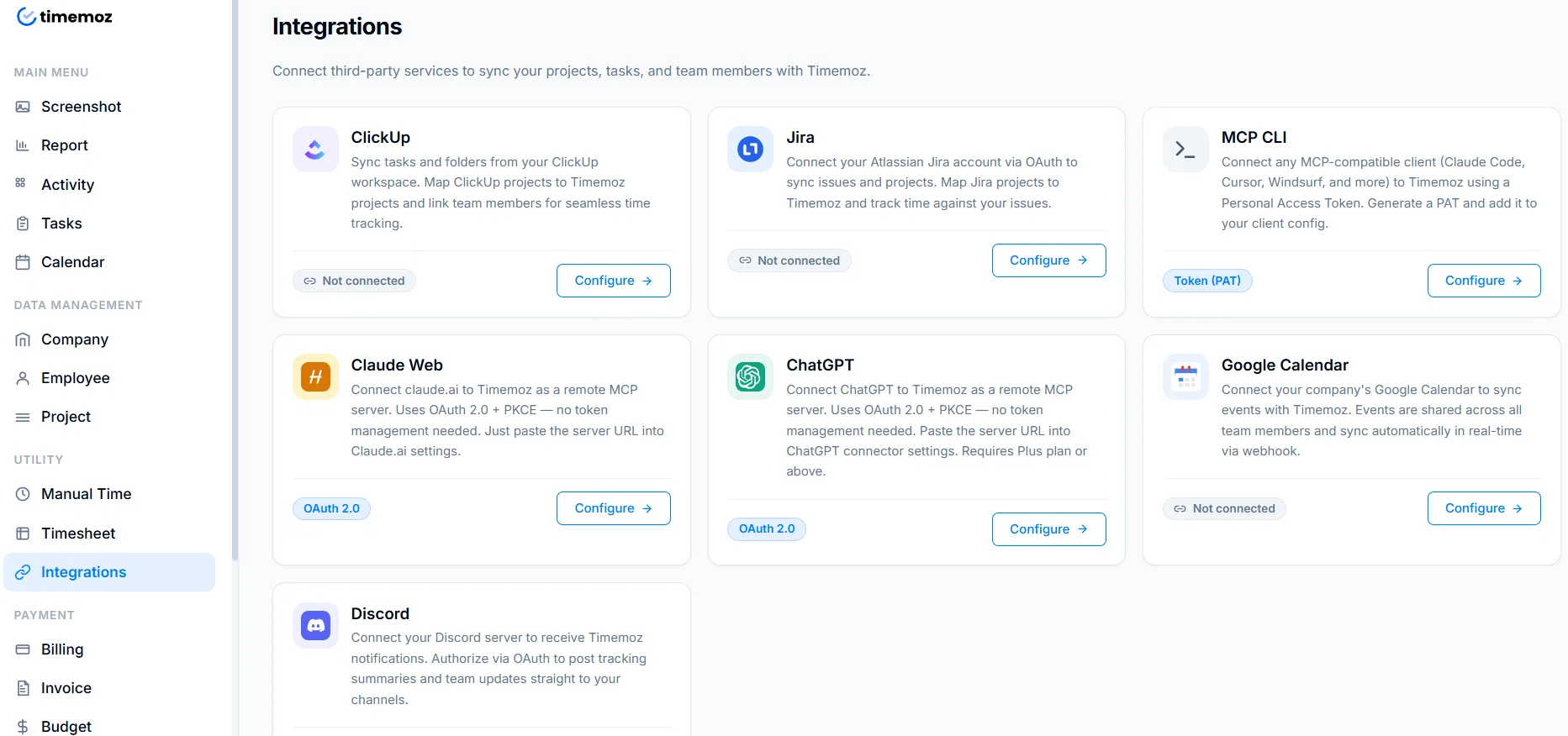
Timemoz rows from timemoz.com/pricing/time-tracker. Toggl rows from toggl.com/track/pricing, both read 22 October 2026.
Switching takes an afternoon, not a quarter
No sales call, no upfront payment, and no need to cancel Toggl on day one.
- 1Export from TogglReports → Export. Two clicks, and projects, clients, and tags come with it.
- 2Upload to TimemozDrop the CSV in. Fields map automatically, rates and entries preserved.
- 3Run both for a weekInvite your team, keep Toggl live in parallel, then cancel at your renewal date.
Cancel at renewal rather than mid-term, because Toggl bills annually upfront.
Where Toggl wins, and we will say so
There are two areas where Toggl is genuinely ahead. If either describes you, stay where you are.
A much larger integration catalogue
Toggl: 100+ integrations plus a browser extension for many niche tools, built since 2007, with native Jira and Salesforce on Premium.
Timemoz: Slack, ClickUp, Discord, and Telegram, the tools most agencies run their day in, and nothing beyond that yet.
Best for: teams whose workflow depends on a specific sync running untouched.
Simpler if you never need proof
Toggl: A one-click timer with an excellent autotracker and calendar integrations. The nicer daily experience for solo work.
Timemoz: The same one-click timer, with approvals and proof attached. That is more features if you never use them.
Best for: solo consultants who bill on trust and never approve anyone's hours.
Toggl vs Timemoz, common questions
Get paid for proof, not trust
Toggl tracks, Timemoz proves. Approvals, billing rates, and blurred proof are in Core from $4.99 per user, not $16.
Try Free for 14 Days · No credit card · Cancel anytime
- ✓Unlimited users and projects
- ✓Timesheet approvals with comments and lock
- ✓Multiple billing rates per client and person
- ✓Blurred screenshots and activity levels
- ✓App and URL tracking while the timer runs
- ✓History forever, unlimited exports