Measure productivity. Verify overtime.
See your team's productive hours, workload by department, and overtime backed by proof. Screenshots run only when needed, according to your company policy.
No credit card · Cancel anytime







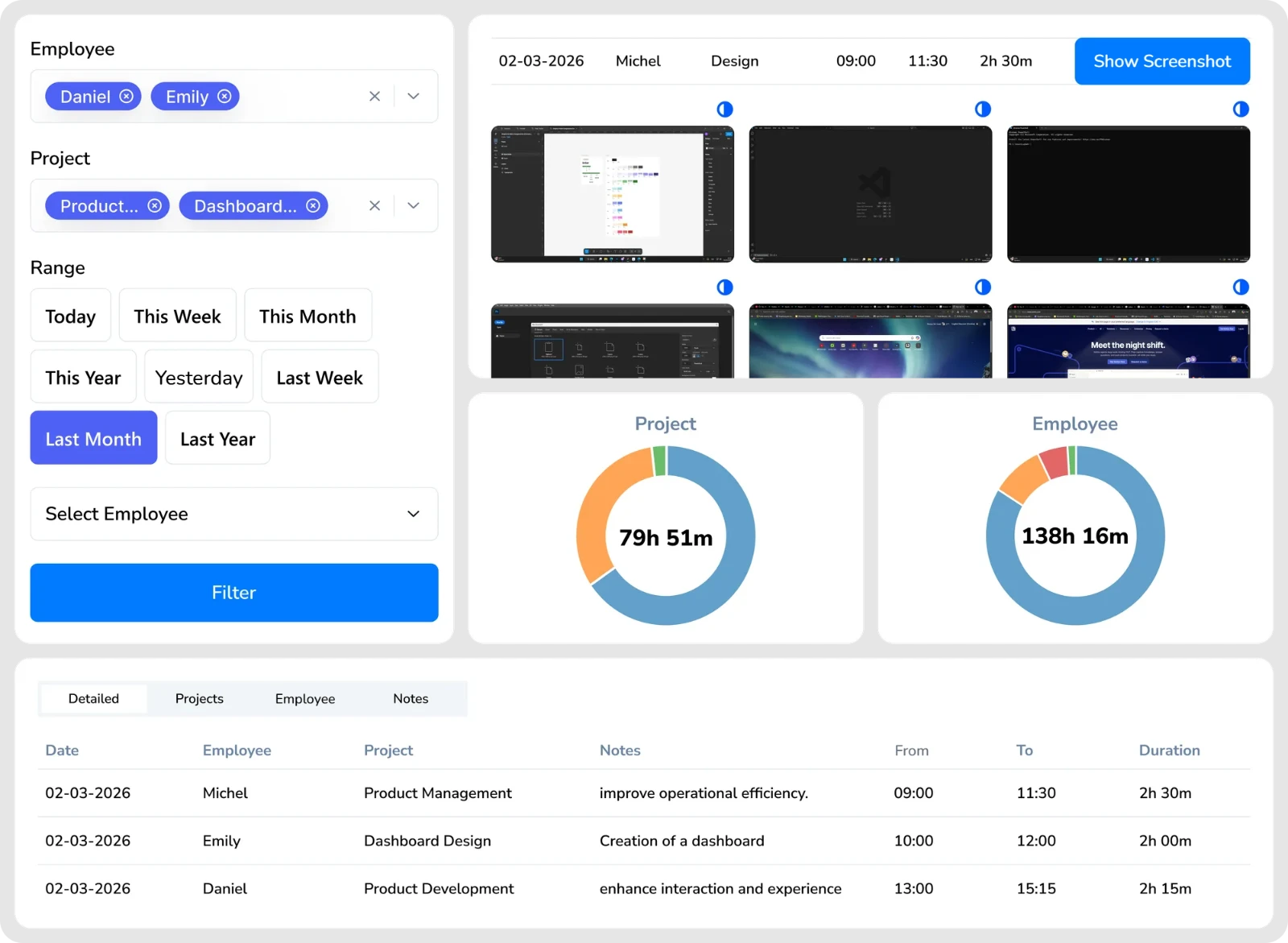
Everything HR needs to measure work, not watch people
Track hours, verify overtime, and report to management from one place.
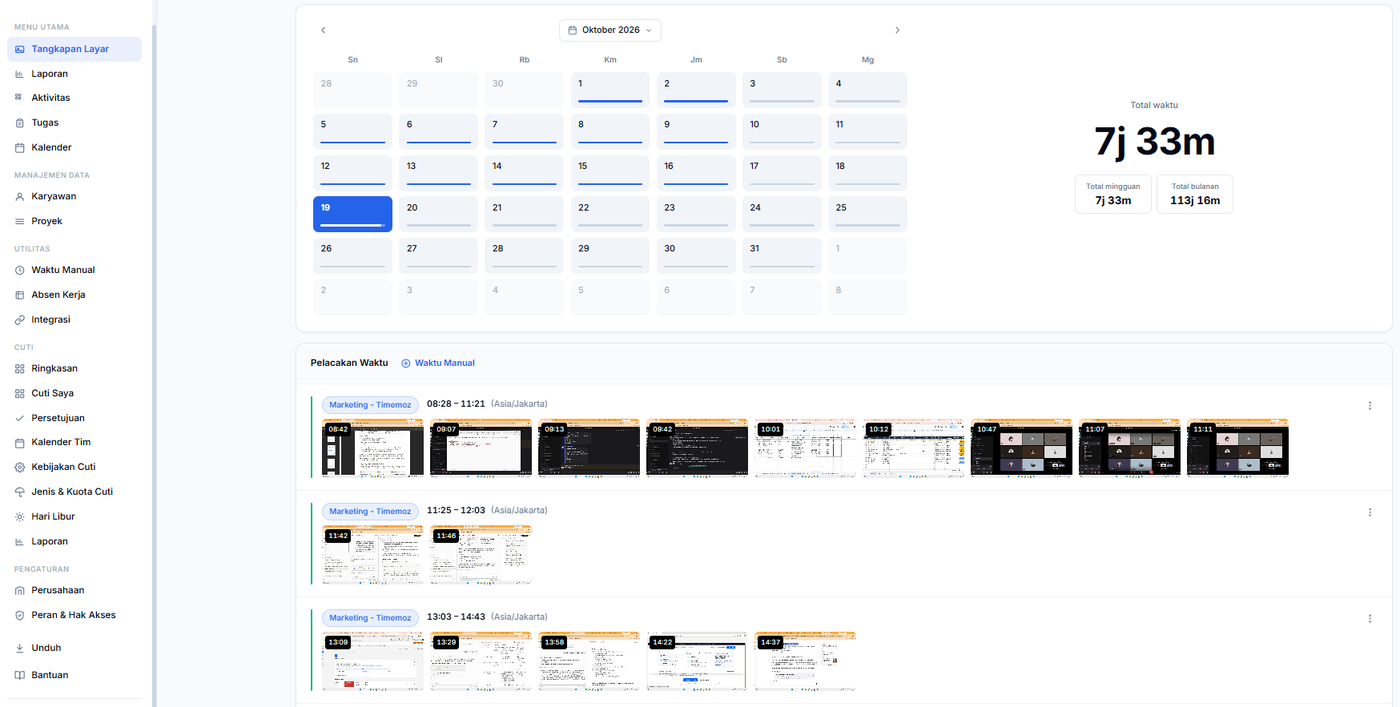
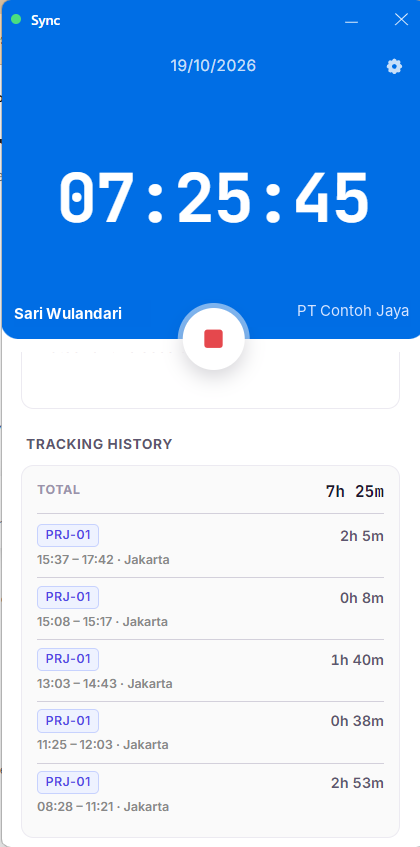
Track hours automatically
One-click timer, idle time handled automatically, on desktop and web. Timesheets build themselves, ready for approval.
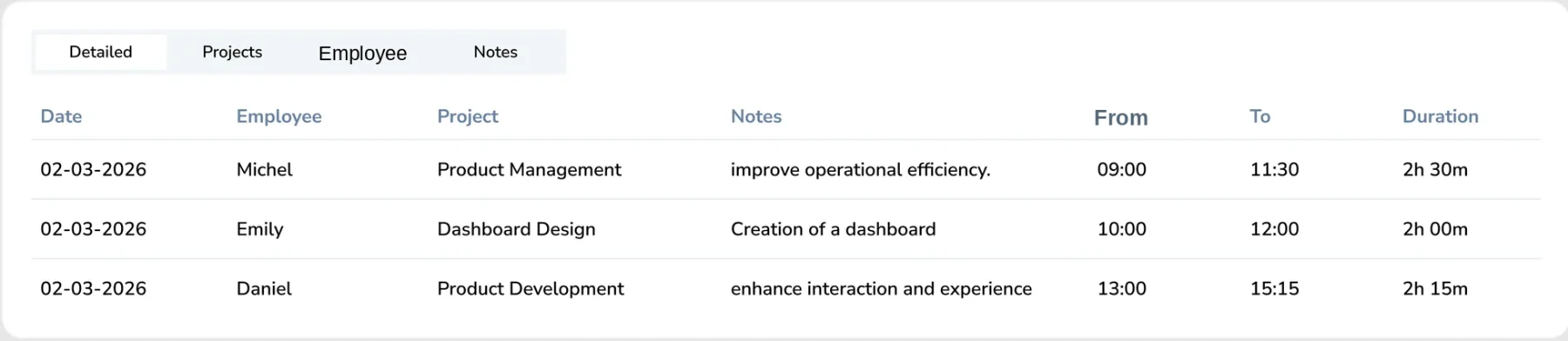
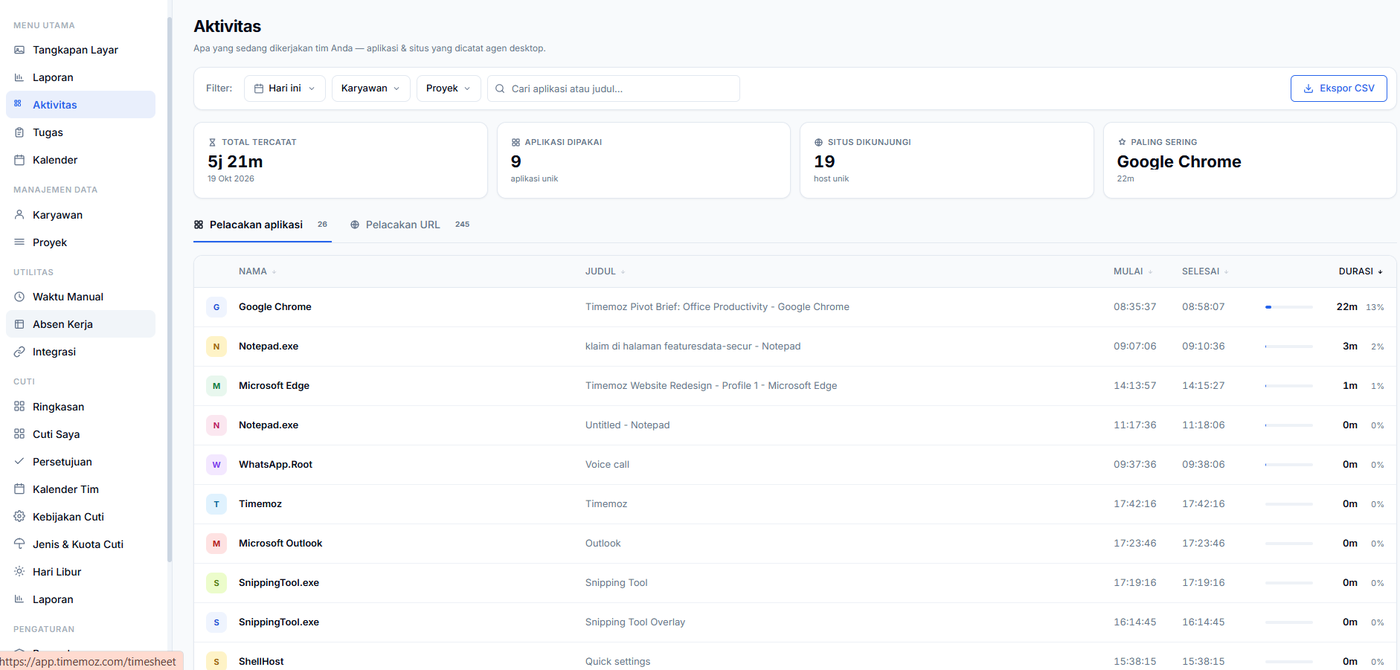
See productive hours
Activity levels, apps and URLs used, and workload by department in one report.
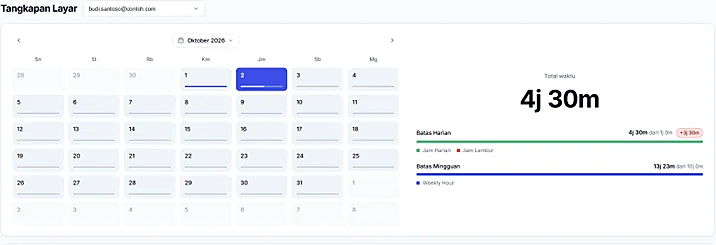
Verify overtime
Overtime is logged with activity proof, then approved by a manager and ready to export to Excel/PDF.
Report to management
Export to PDF or Excel, share report links without login.
One source of work-hour data for every decision-maker
For office, hybrid, and remote teams.
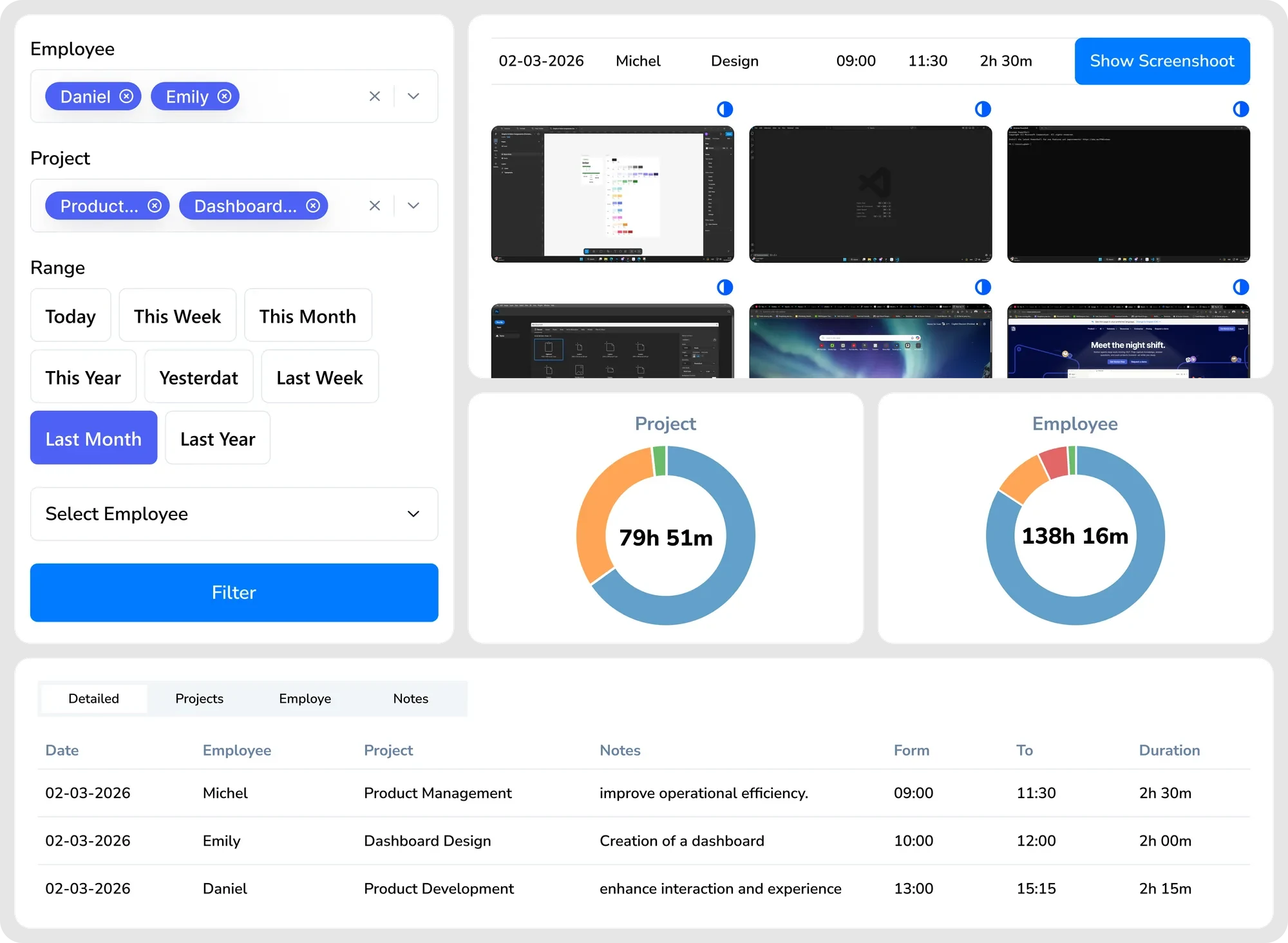
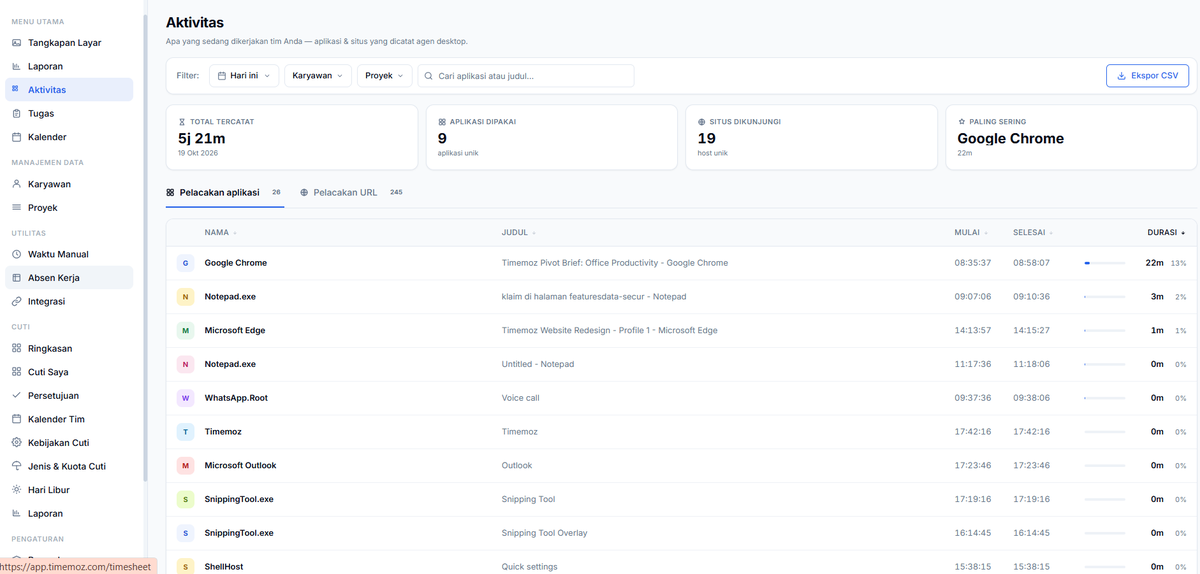
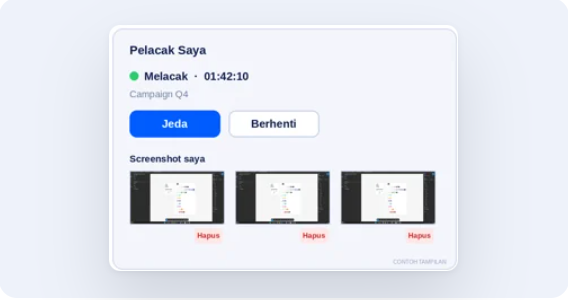
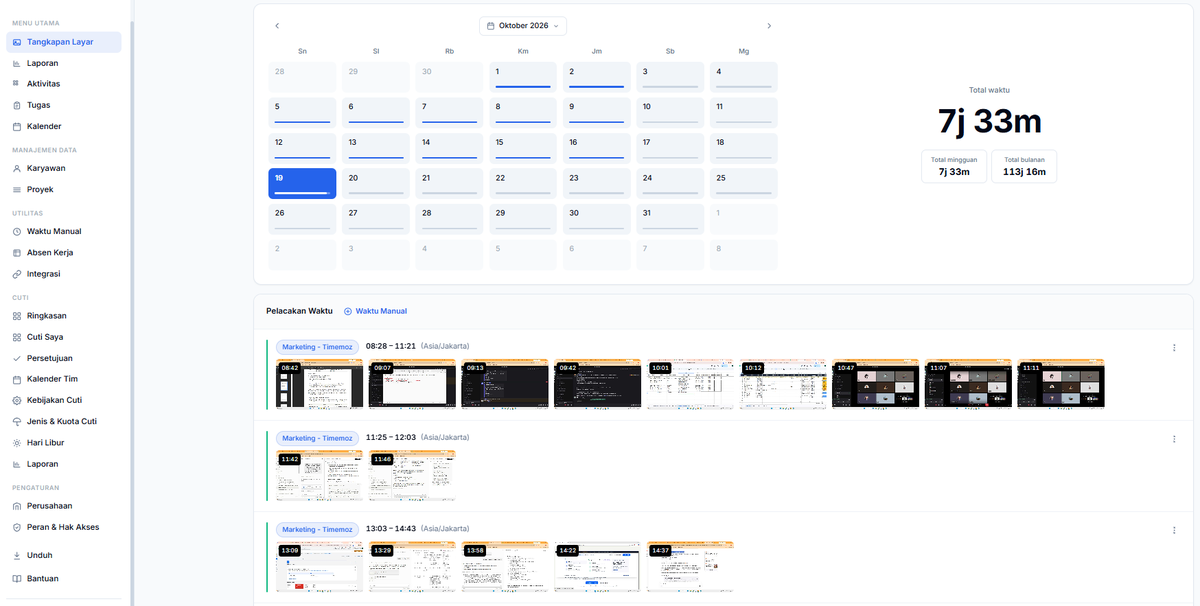
Overtime with proof, ready to export
Team workload, without constant follow-ups
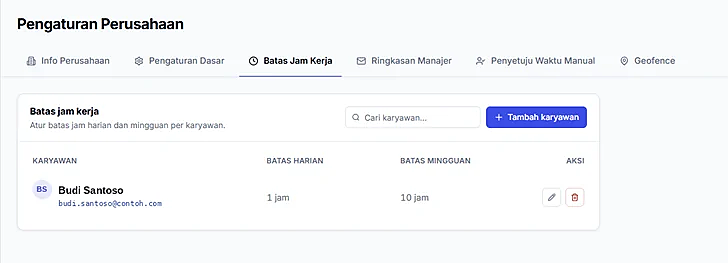
Clear controls and audit trails
One source of work-hour data, wherever your team works
Proof of work, not surveillance
Measurable productivity
See hours, activity, and workload per team.
Verified overtime
Every overtime hour has a record and activity proof.
Privacy protected
Designed around Indonesia's PDP Law principles, with an audit log. Data is stored in data centers in Singapore.
How many work hours go unproductive each month?
Adjust the sliders to match your team.
Trusted by teams that need accurate work data
Accuracy and accountability
“As a company focused on product authenticity and security technology, our operations demand accuracy, accountability, and reliable reporting. Timemoz has helped our team a lot.”Simpler remote attendance
“Timemoz has really helped our operations, especially with our remote setup. We track work hours more accurately and attendance is simpler for employees and management.”More accurate project estimates
“At Limecommerce, many of our projects are billed hourly, so accurate time tracking and reporting matter. These insights help our project managers estimate better.”Questions HR teams often ask
What is employee time tracking software?
Software that automatically records employee work hours by project or task, then turns them into timesheets and reports. Timemoz is a time tracker for offices with automatic time tracking and productivity reports ready to share with management.
Does Timemoz watch employees all day?
No. Screenshots can be configured, blurred, or turned off, and employees see the same data as managers. Learn about screenshot monitoring.
Can I measure productivity without screenshots?
Yes. Activity levels, idle detection, and the apps and URLs used are enough to see your team's productive hours. Screenshots can be configured, blurred, or turned off.
How does Timemoz verify overtime?
Employees start a timer when working overtime. Activity levels, apps and URLs used, and fake activity detection become the proof, exported to PDF or Excel. See overtime verification.
How much does Timemoz cost?
Try every feature free for 14 days, no credit card. There is no free-forever plan: after that, Time Tracker Core is $4.99 per user per month billed annually, or $7.50 per user per month billed monthly. Details on Time Tracker pricing.
Is employee data secure?
Timemoz includes an audit log plus role and permission settings, and is designed around Indonesia's PDP Law principles. Learn about data security.
Can it export to Excel or PDF?
Yes. Work and overtime hours can be exported to CSV, Excel, or PDF and used in your HRIS or payroll, for example Talenta or KantorKu. There is no direct HRIS integration yet.
What is a good Hubstaff alternative for companies in Indonesia?
Timemoz suits HR at office and hybrid companies in Indonesia: overtime verification, screenshots set by company policy, pricing from $4.99/user/month (billed yearly), and a 14-day free trial with no credit card. See Timemoz vs Hubstaff.
Can you help set up tracking policies?
Yes. Our team runs onboarding sessions to set up tracking policies and success metrics. Book a demo or chat on WhatsApp.
Start measuring your team's
productivity this week.
Track hours, verify overtime, and report to management without watching employees.
No credit card · Cancel anytime